Cookbook: LlamaIndex & Milvus Integration
This is a simple cookbook that demonstrates how to use the LlamaIndex Langfuse integration. It uses Milvus Lite to store the documents and Query.
Milvus Lite is the lightweight version of Milvus, an open-source vector database that powers AI applications with vector embeddings and similarity search.
Traces are captured with the OpenInference LlamaIndex instrumentation, which automatically exports OpenTelemetry (OTel) spans to Langfuse.
Setup
%pip install llama-index langfuse openinference-instrumentation-llama-index llama-index-vector-stores-milvus --upgradeInitialize the integration. Get your API keys from the Langfuse project settings and set them as environment variables. This example uses OpenAI for embeddings and chat completions, so you also need to specify your OpenAI key in an environment variable.
import os

# Get keys for your project from the project settings page
# https://cloud.langfuse.com
os.environ.setdefault("LANGFUSE_PUBLIC_KEY", "")
os.environ.setdefault("LANGFUSE_SECRET_KEY", "")
os.environ.setdefault("LANGFUSE_BASE_URL", "https://cloud.langfuse.com") # 🇪🇺 EU region
# Other Langfuse data regions include 🇺🇸 US: https://us.cloud.langfuse.com, 🇯🇵 Japan: https://jp.cloud.langfuse.com and ⚕️ HIPAA: https://hipaa.cloud.langfuse.com

# Your openai key
os.environ.setdefault("OPENAI_API_KEY", "")
from langfuse import get_client
from openinference.instrumentation.llama_index import LlamaIndexInstrumentor
langfuse = get_client()
# Verify connection
if langfuse.auth_check():
print("Langfuse client is authenticated and ready!")
else:
print("Authentication failed. Please check your credentials and host.")
# Initialize LlamaIndex instrumentation
LlamaIndexInstrumentor().instrument()Index using Milvus Lite
from llama_index.core import Document

doc1 = Document(text="""
Maxwell "Max" Silverstein, a lauded movie director, screenwriter, and producer, was born on October 25, 1978, in Boston, Massachusetts. A film enthusiast from a young age, his journey began with home movies shot on a Super 8 camera. His passion led him to the University of Southern California (USC), majoring in Film Production. Eventually, he started his career as an assistant director at Paramount Pictures. Silverstein's directorial debut, “Doors Unseen,” a psychological thriller, earned him recognition at the Sundance Film Festival and marked the beginning of a successful directing career.
""")
doc2 = Document(text="""
Throughout his career, Silverstein has been celebrated for his diverse range of filmography and unique narrative technique. He masterfully blends suspense, human emotion, and subtle humor in his storylines. Among his notable works are "Fleeting Echoes," "Halcyon Dusk," and the Academy Award-winning sci-fi epic, "Event Horizon's Brink." His contribution to cinema revolves around examining human nature, the complexity of relationships, and probing reality and perception. Off-camera, he is a dedicated philanthropist living in Los Angeles with his wife and two children.
""")
# Example index construction + LLM query
from llama_index.core import VectorStoreIndex
from llama_index.core import StorageContext
from llama_index.vector_stores.milvus import MilvusVectorStore
vector_store = MilvusVectorStore(
uri="tmp/milvus_demo.db", dim=1536, overwrite=False
)
storage_context = StorageContext.from_defaults(vector_store=vector_store)
index = VectorStoreIndex.from_documents(
[doc1,doc2], storage_context=storage_context
)Query
# Query
response = index.as_query_engine().query("What did he do growing up?")
print(response)
# Chat
response = index.as_chat_engine().chat("What did he do growing up?")
print(response)Explore traces in Langfuse
# As we want to immediately see the result in Langfuse, we flush the Langfuse client
langfuse.flush()
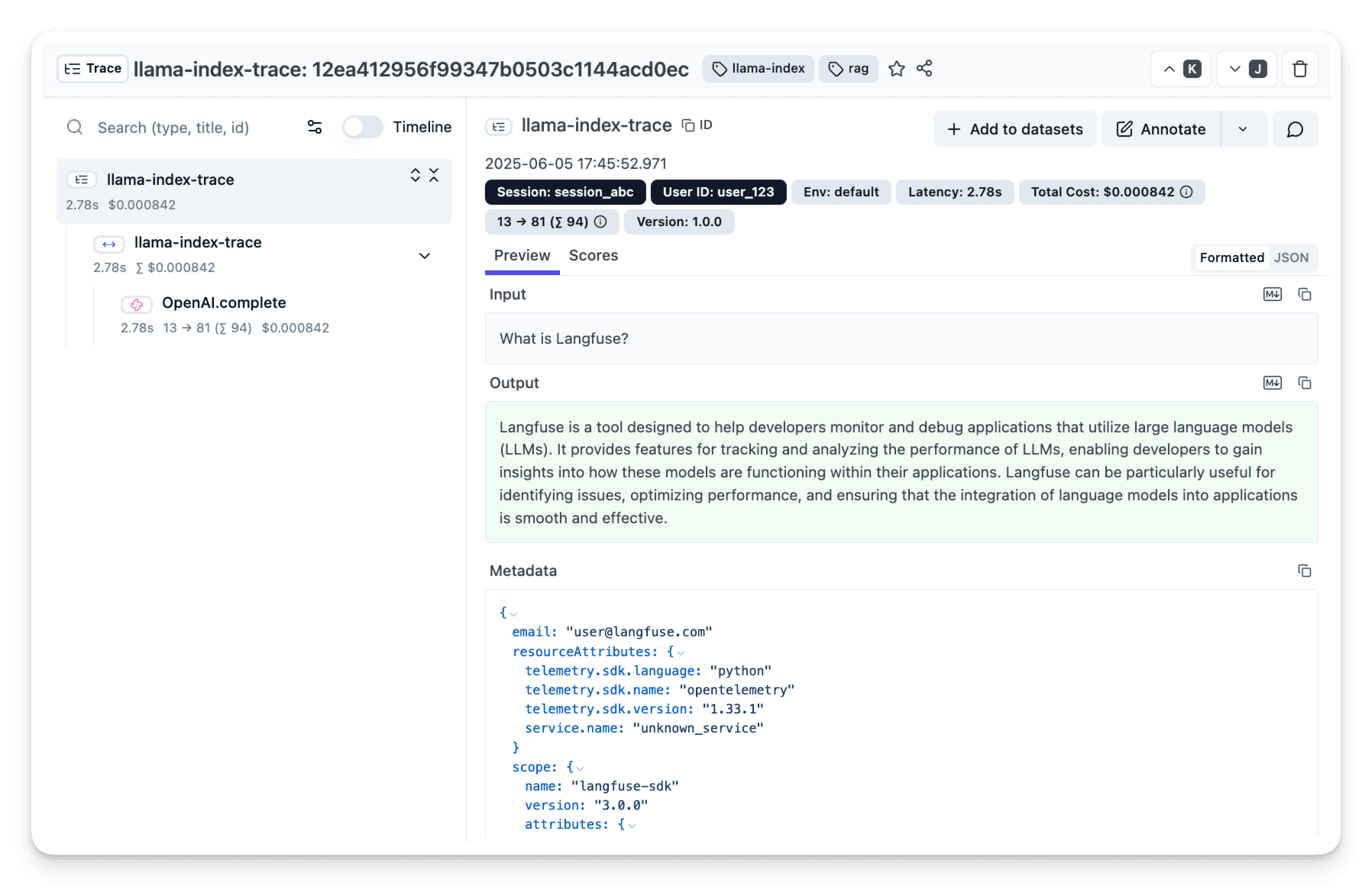
Done! ✨ You see traces of your index and query in your Langfuse project.
Interested in more advanced features?
See the full integration docs to learn more about advanced features and how to use them:
- Interoperability with Langfuse Python SDK and other integrations
- Add custom metadata and attributes to the traces
Last edited


